


In today’s digital landscape, “Content is King,” and Video Content wears the crown. Whether it’s YouTube Shorts, Instagram Reels, or TikTok, everyone wants to create engaging videos. However, not everyone has access to high-end cameras or professional editing skills.
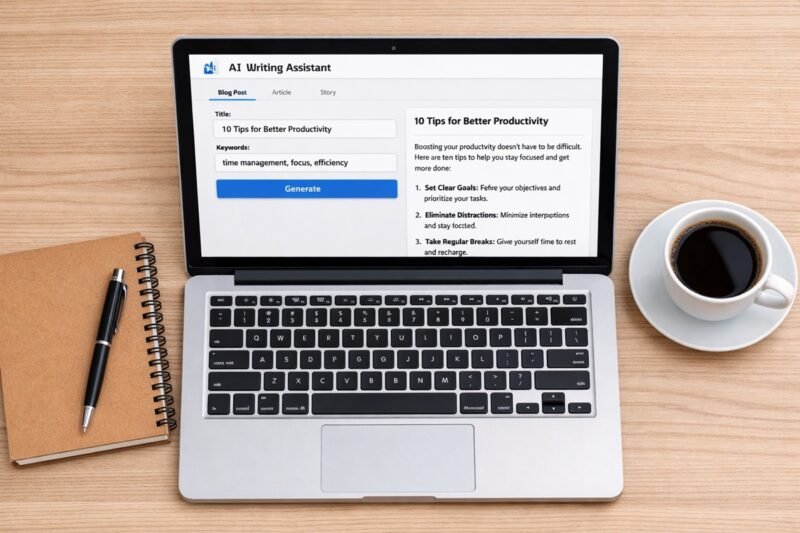
This is where AI Video Generators come in. You simply type a text prompt, and the AI turns it into a video.
But there is a major problem: most free tools slap a massive, ugly “Watermark” on your video, making it look unprofessional. If you are tired of this issue, you are in the right place. Today, we will explore the Best Free AI Video Generators that allow you to create stunning videos without watermarks (or with minimal restrictions) in 2025.
1. Canva (Magic Media)
Best For: Social Media Shorts & Instagram Reels
We all know Canva for graphic design, but did you know it now features powerful AI Video Generation tools? Canva’s “Magic Media” feature allows you to create text-to-video content directly within the editor.
Why Use It:
User-Friendly: The interface is incredibly easy to use.
No Watermarks: If you use free elements from Canva’s library and their AI generator, you can download the video without any Canva branding.
Integration: You can immediately add text, music, and effects to the generated video in the same timeline.
How to Use: Open Canva > Go to ‘Apps’ on the sidebar > Search for ‘Magic Media’ > Type your prompt and click ‘Generate’.
2. Microsoft Clipchamp
Best For: YouTube Long-form Videos & Voiceovers
Microsoft’s Clipchamp is a hidden gem for Windows users. While it isn’t a “prompt-to-full-movie” generator like Sora, its AI capabilities are unmatched for free users. It offers excellent text-to-speech features and auto-composition.
Pros:
1080p Export (No Watermark): Unlike other editors, the free version allows unlimited 1080p exports without a watermark.
AI Voiceovers: It has one of the best text-to-speech engines with very natural-sounding human voices (supports multiple languages).
Cons: You have to assemble the video yourself using stock footage, it doesn’t generate the video visuals from scratch.
3. Haiper AI (New & Trending)
Best For: High-Quality Artistic Clips & B-Roll
In the race of AI video tools in 2024-25, Haiper AI is making waves. It is a newer tool comparable to Pika Labs or RunwayML. Currently, as they are in a growth phase, they are quite generous with their free trials and credits.
Why It Stands Out: The video quality is cinematic. It is excellent for generating “B-Roll” (background footage) for your main videos.
Note: Keep an eye on their policy changes, as new tools often start free and introduce pricing later. Now is the best time to use it.
4. CapCut (Desktop & Mobile)
Best For: Viral TikTok/Reels Style (Faceless Channels)
If you want to start a “Faceless Channel,” CapCut’s “Script to Video” feature is a game-changer. The AI analyzes your script and automatically matches it with relevant stock footage.
The “No Watermark” Hack: CapCut usually adds a black ending screen with its logo. You can simply click on that ending clip and delete it before exporting.
Key Feature: Its “Auto-Captions” feature is the best in the industry, saving you hours of typing subtitles.
5. Bing Image Creator (Copilot)
Best For: Short Animations & Concept Art
Microsoft Copilot (powered by DALL-E 3) is evolving. While primarily an image generator, it is slowly rolling out video animation capabilities. You can ask Copilot to generate scenes or short moving clips.
Usage: Great for creating unique intros or animated backgrounds for your videos. Microsoft tools are generally free to use with a Microsoft account.
Pro Tip: How to Create 100% Free Videos (The “Mix & Match” Method)
If you find that fully automated AI tools are too restrictive, use this “Stack” method to create professional videos for free:
Script: Use ChatGPT or Gemini to write an engaging script.
Voiceover: Use ElevenLabs (Free tier) or Clipchamp for realistic AI voices.
Visuals: Download free 4K stock videos from Pexels or Pixabay.
Editing: Put it all together in CapCut.
This method guarantees a 100% Unique, Monetizable, and Watermark-Free video.
Conclusion
There you have it—the top tools for 2025. If you are just starting out, I highly recommend combining Canva (for visuals) and Clipchamp (for editing/voice). They are safe, reliable, and completely free to start.
Which of these tools are you excited to try first? Let me know in the comments below!
FAQ :
Q1: Can I monetize AI-generated videos on YouTube?
Ans: Yes, absolutely! As long as the content provides value to the viewer and isn’t just spammy, repetitive auto-generated content. Adding your own editing style helps.
Q2: What is the best completely free AI video generator?
Ans: For pure ease of use without watermarks, Microsoft Clipchamp and Canva are the most reliable options right now.