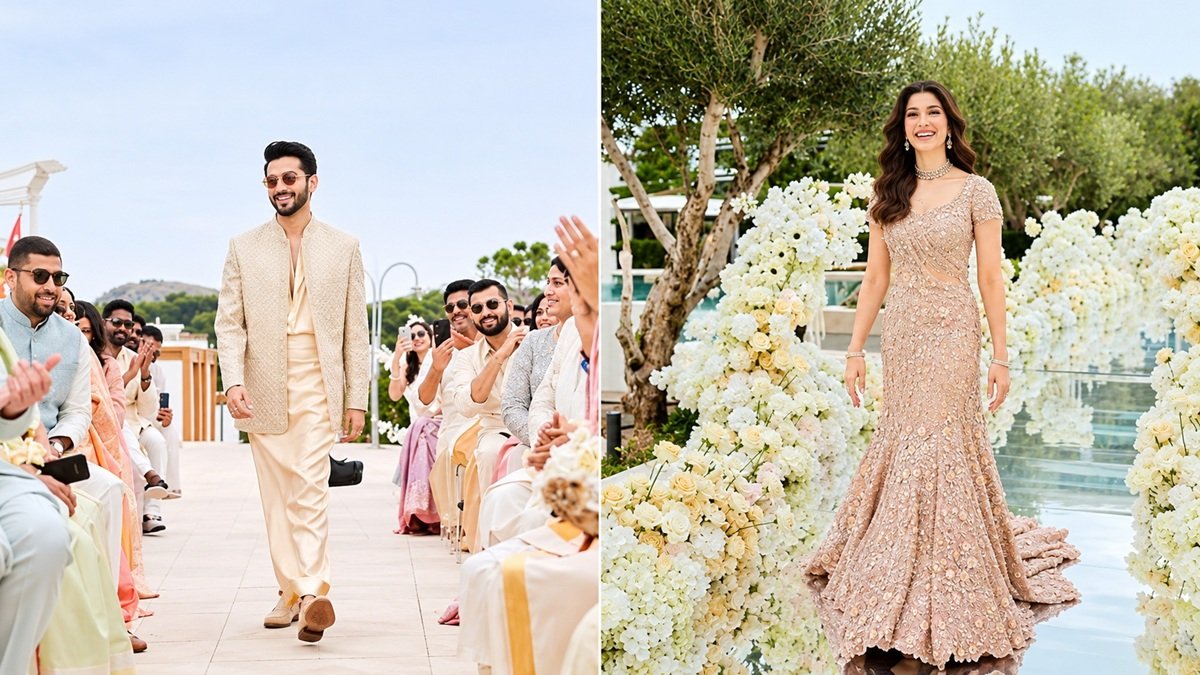



A successful AI-generated video often begins long before the first frame moves. The quality of the source image determines what visual information an AI model has to work with, from the subject’s position to the relationship between foreground and background. However, a high-resolution photograph alone does not guarantee an engaging result. The best starting images also communicate a clear visual direction, contain recognizable subjects, and leave room for movement. Understanding these qualities makes image-to-video creation more intentional and predictable.
The Visual Characteristics That Make an Image Animation-Ready
A Clearly Defined Subject Gives AI a Strong Starting Point
The main subject should be easy to identify at a glance. Whether the image features a person, an animal, a vehicle, or a product, its important visual features should stand out from the surrounding environment. Clear outlines, recognizable proportions, and visible details provide useful information when an image to video ai model interprets the scene and generates movement. For example, a portrait with a clearly visible face offers a natural foundation for expressions and head movements. A product photograph with a distinct silhouette provides a stronger visual reference for camera movement and presentation. When selecting an image, consider whether someone unfamiliar with the subject could identify its main features immediately. A clear visual hierarchy gives the animation a more coherent starting point.
Composition Determines Where Movement Can Happen
Composition does more than make a photograph attractive. It also establishes the spatial relationships that influence how an animated scene develops. An image with a subject positioned away from the edges may provide room for camera movement, while a wider composition offers more environmental context. Negative space can also become an important creative element. For example, a person standing on one side of a landscape photograph leaves visual room for a gradual camera pan or a wider cinematic reveal. Similarly, a product positioned centrally against a clean background creates a natural starting point for a slow push-in. When evaluating a source image, consider the intended movement before choosing the final crop. A composition that supports the planned camera direction often produces a more convincing visual sequence.
Lighting and Depth Give the Scene a Sense of Dimension
Lighting influences how an AI model interprets the shape, texture, and spatial arrangement of objects. Images with clear light direction often communicate depth more effectively because highlights and shadows distinguish different surfaces. A portrait photographed near a window, for instance, might contain subtle shadows that define facial features and separate the subject from the background. Landscape photography benefits from visible foreground, middle-ground, and background elements, which establish a stronger sense of distance. These visual layers also create opportunities for camera movement. A scene with a clear foreground and distant background offers more spatial information than a completely flat composition. Consistent lighting across the main subject and surrounding environment further supports a unified appearance when the image becomes a moving sequence.
How to Choose and Prepare Images for Different Video Effects
Match the Source Image to the Intended Motion
The most effective source image depends on what the final video should communicate. A close-up portrait suits subtle facial expressions, eye movements, and gentle head turns. An action photograph with a person in a dynamic pose provides a different creative starting point for more energetic movement. Product images often benefit from controlled camera directions, such as tracking, rotation-inspired presentation, or gradual close-ups. Meanwhile, architectural and landscape photographs offer opportunities for sweeping camera movements that reveal the scale of a location. Before uploading an image, define one primary action and consider whether the original composition supports it.
Use Visual References to Establish the Intended Appearance
Some creative projects require more than one image to communicate their visual direction. A product campaign might need consistent product details across different scenes, while a character-based video may require recognizable clothing, facial features, and styling throughout the sequence. Reference images provide additional visual guidance for these requirements. Kling 4.0 incorporates Omni Reference, which supports up to 15 combined reference assets, including images, videos, and subjects, subject to individual input limits. Creators can combine references for characters, environments, motion, and visual styles to guide different elements within a generation. This makes reference selection an important part of preparation. Rather than collecting unrelated photographs, choose images that each communicate a specific visual quality relevant to the intended result.
Prepare Key Moments Before Generating the Video
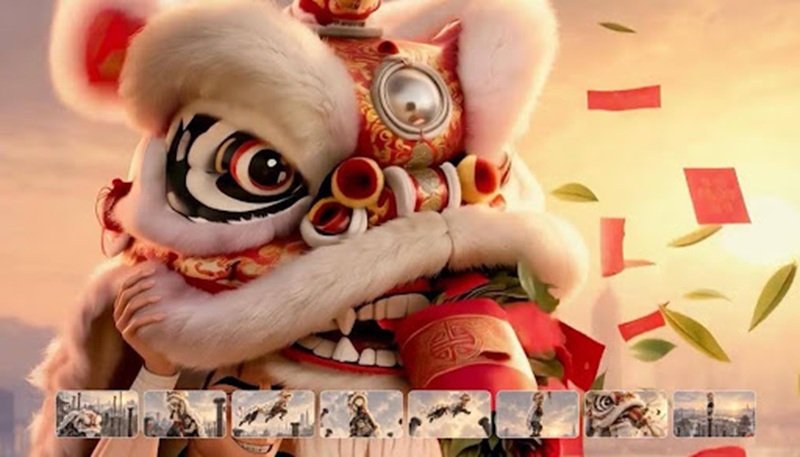
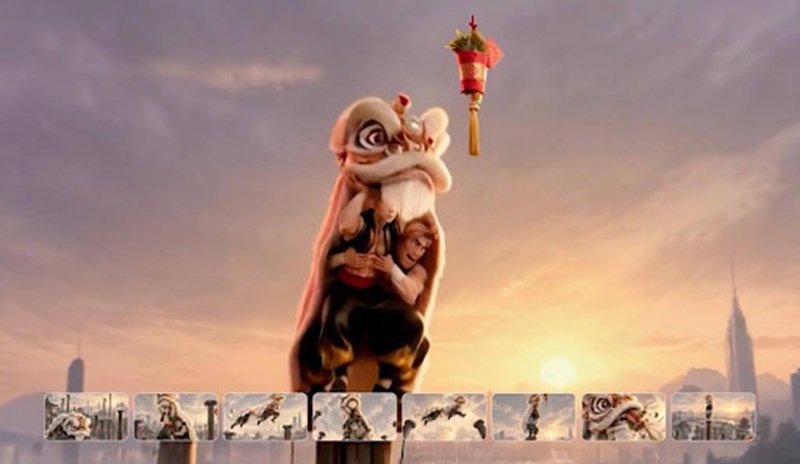
A good source image establishes the opening visual, but a successful sequence also needs a sense of progression. Think about what should happen first, how the subject should move, and where the scene should finish. For a fashion portrait, the sequence might begin with a stationary pose, introduce a gradual turn, and end with the subject facing the camera. For a product presentation, the camera might begin with a wider composition before moving toward a particular detail. Kling 4.0 supports start and end frames, together with up to 10 flexible keyframes under supported settings. These controls allow creators to provide additional guidance for important visual changes. Its image-to-video workflow also supports clips of up to 30 seconds. Planning key moments beforehand gives the source image a defined role within a larger visual story.
Conclusion
A good image for AI video generation combines subject clarity, thoughtful composition, meaningful lighting, and enough visual information to support the intended movement. Its value comes from how well it communicates a scene, not simply its resolution or photographic appeal. By selecting suitable source images, organizing visual references, and planning key actions, creators establish a stronger foundation for animation. With Kling 4.0, these elements become part of a more controlled creative workflow, turning carefully selected still images into engaging moving sequences.
Related Post: Best Image-to-Video AI Tool and Face Swap Online Platforms