



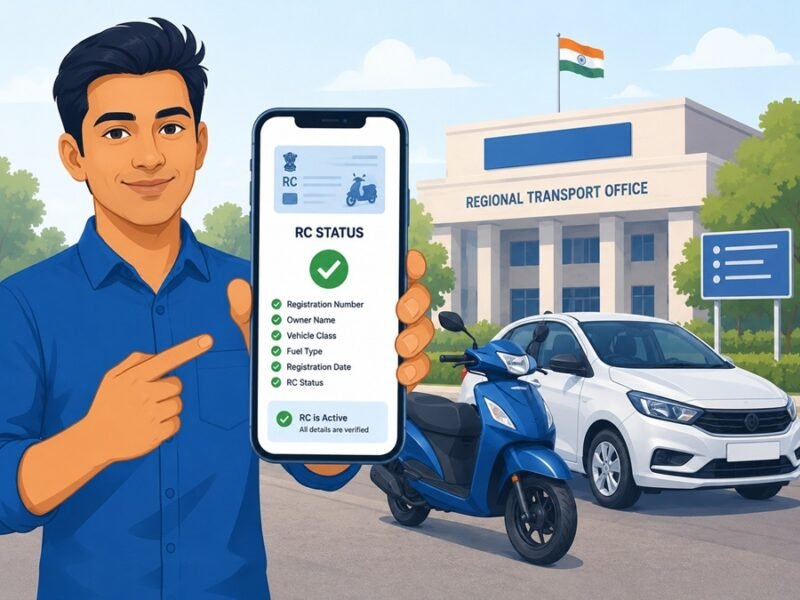
Bought a used bike or car recently? Or sold your own vehicle and waiting for the ownership change to reflect? Either way, you need to know two things: how RC transfer works, and how to check your RC status on Parivahan Sewa.
This guide walks you through both, step by step, without the confusing jargon.
What Is RC Transfer?
RC stands for Registration Certificate. It’s the document that proves who legally owns a vehicle. When you buy a used vehicle, the RC still shows the previous owner’s name until you apply for a transfer. This process is called RC transfer, or ownership transfer.
Skipping this step is risky. Until the transfer is done, challans, insurance claims, and even legal liability can stay linked to the old owner. So if something goes wrong with the vehicle after you’ve bought it, the paperwork trail matters.
Why RC Status Check Matters
A quick RC status check tells you:
- Whether your transfer application has been received
- Which stage it’s stuck at (verification, RTO approval, dispatch)
- If there’s a rejection you need to fix
- Current ownership, insurance validity, and fitness certificate details
Doing this check regularly saves you a trip to the RTO office.
Documents Needed for RC Transfer
Keep these ready before you start:
- Form 29 (notice of transfer of ownership) and Form 30 (application for transfer)
- Original RC book
- Valid insurance copy
- PUC certificate
- Address proof of the buyer
- PAN card or Form 60 (as applicable)
- No Objection Certificate, if the vehicle was financed
- Passport-size photos of the buyer
Rules can differ slightly by state, so check with your local RTO if you’re unsure about anything specific.
Step-by-Step: How to Apply for RC Transfer on Parivahan Sewa
- Go to the official Parivahan Sewa website.
- Click on “Online Services” from the top menu and select “Vehicle Related Services.”
- Choose your state from the list, then select your RTO.
- Click “Proceed,” then select the RC transfer or “Transfer of Ownership” option.
- Enter your vehicle registration number and chassis details.
- Fill in Form 29 and Form 30 online.
- Upload the required documents (insurance, PUC, ID proof, NOC if applicable).
- Pay the applicable transfer fee through the payment gateway.
- Note down your application number. You’ll need this to track your RC transfer status later.
- Visit the RTO in person if biometric verification or document check is required (some states still need this).
Processing usually takes anywhere from a few days to a few weeks, depending on your RTO’s workload.
How to Check RC Status on Parivahan (Step by Step)
Here’s how to do a rc status check using your registration number:
- Visit parivahan.gov.in.
- Click “Online Services” and select “Vehicle Related Services.”
- Pick your state from the map or dropdown.
- Select your RTO and click “Proceed.”
- Under the “Status” section, click “Know Your Application Status.”
- Enter your vehicle registration number or application number.
- Type the captcha code and click “Submit.”
- Your vehicle rc status will show up on screen instantly.
You can also use the mParivahan app for the same thing. Download it, register with your mobile number, add your RC, and check status directly from your phone.
How to Check RC Transfer Status Specifically
The rc transfer status process is nearly identical to the general RC status check:
- Go to Parivahan Sewa and select “Vehicle Related Services.”
- Choose your state and RTO.
- Click “Know Your Application Status.”
- Enter the application number you received after submitting Form 29/30.
- Submit and view the current stage of your transfer.
What the Status Labels Mean
| Status Shown | What It Means |
|---|---|
| Submitted / Received | Your application is recorded |
| Under Verification | RTO is checking your documents |
| Pending at RTO | Waiting for officer action or appointment |
| Approved | Application accepted, RC update in progress |
| Dispatched | Updated RC card sent by post |
| Rejected | Documents missing or mismatched — resubmission needed |
Common Problems and Fixes
“No Records Found” error Your vehicle data may not be fully digitized yet. Contact your RTO to get it synced — this usually takes 24 to 48 hours after correction.
Application stuck at “Pending” for weeks This is common during high traffic periods or when documents need manual verification. Visiting the RTO with your acknowledgement slip usually speeds things up.
State portal not showing live data A few states run separate systems that don’t sync live with the central Vahan database. If yours is one of them, use the state-specific transport portal instead.
Quick Checklist Before You Apply
- Vehicle registration number handy
- Chassis number (last 5 digits) ready
- Mobile number linked to Aadhaar or registered with RTO
- Scanned copies of all documents in PDF/JPEG format
- Transfer fee payment method ready
FAQs
Q1. How long does RC transfer take on Parivahan Sewa?
It typically takes a few days to a few weeks, depending on your RTO and document verification speed.
Q2. Can I check vehicle RC status without an application number?
Yes. You can also search using just the vehicle registration number in most states.
Q3. Is RC transfer online, or do I need to visit the RTO?
Most of the process is online, but some states still require an in-person visit for biometric verification or document submission.
Q4. What happens if I don’t transfer the RC after buying a used vehicle?
Challans, taxes, and legal responsibility may continue to be linked with the previous owner’s record, which can create disputes later.
Q5. Is Parivahan Sewa the only official portal for RC status check?
Yes, parivahan.gov.in and the Vahan portal are run by the Ministry of Road Transport and Highways. Always avoid third-party sites asking for payment for basic status checks.
Final Word
RC transfer isn’t complicated once you know the steps. Keep your documents ready, follow the process on Parivahan Sewa, and track your rc status parivahan updates regularly until you see “Approved” or “Dispatched.” That’s it — your ownership record is officially updated.
This guide is brought to you by Apzo Media, helping readers navigate everyday government and RTO processes with clarity.